Xbox Controller and MacBook
27 Jan 2026 gaming
The Problem
For almost a decade, I’ve used an Xbox One controller to play the majority of my Steam catalog. It requires a wireless adapter to work with my Windows desktop, but otherwise no issues.
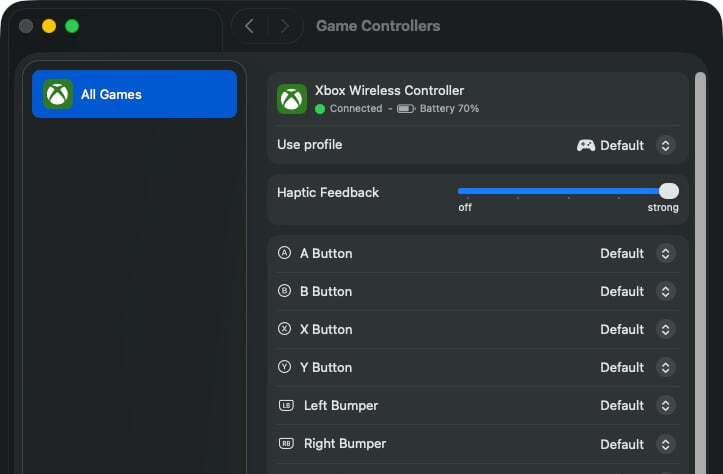
Recently, I installed Steam on my MacBook M1 Pro and tried to play Firewatch. My Xbox controller connected to the laptop via Bluetooth and appeared to be working.
The controller showed up in macOS System Settings:
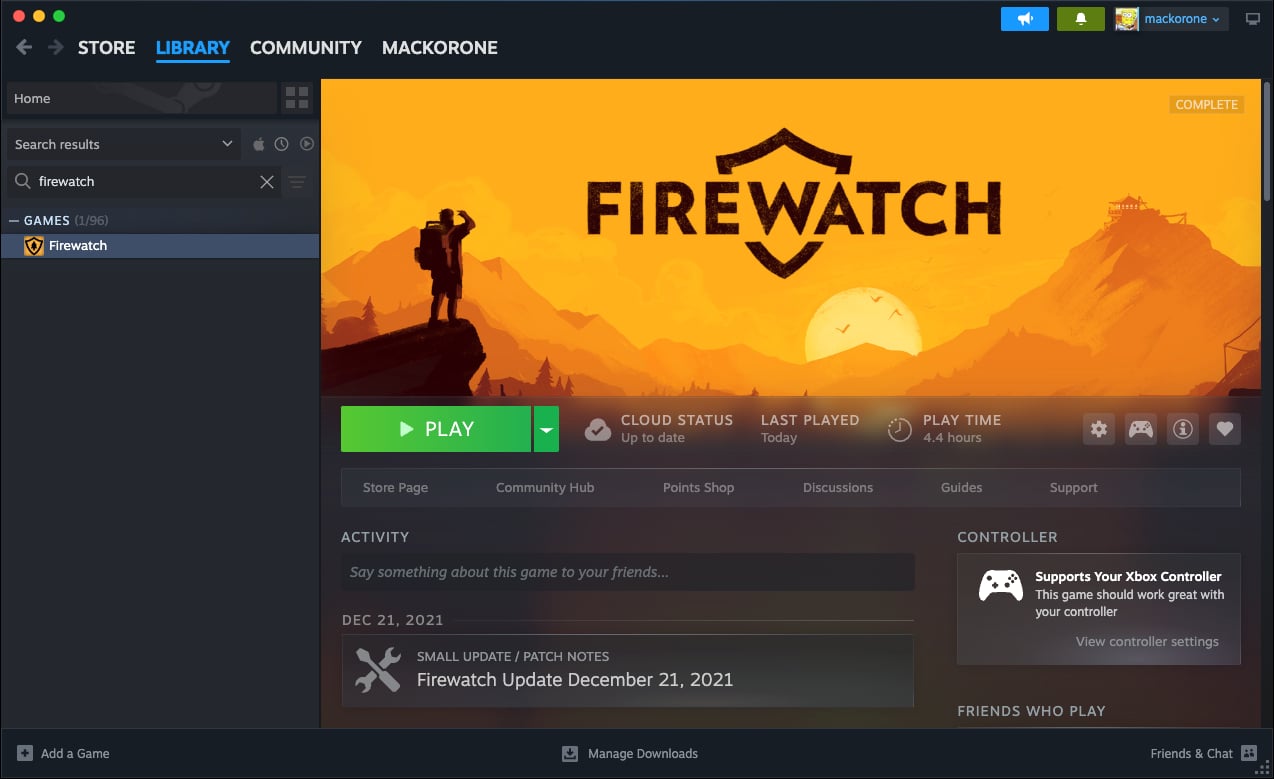
And it showed up in Steam as “supported” by Firewatch:
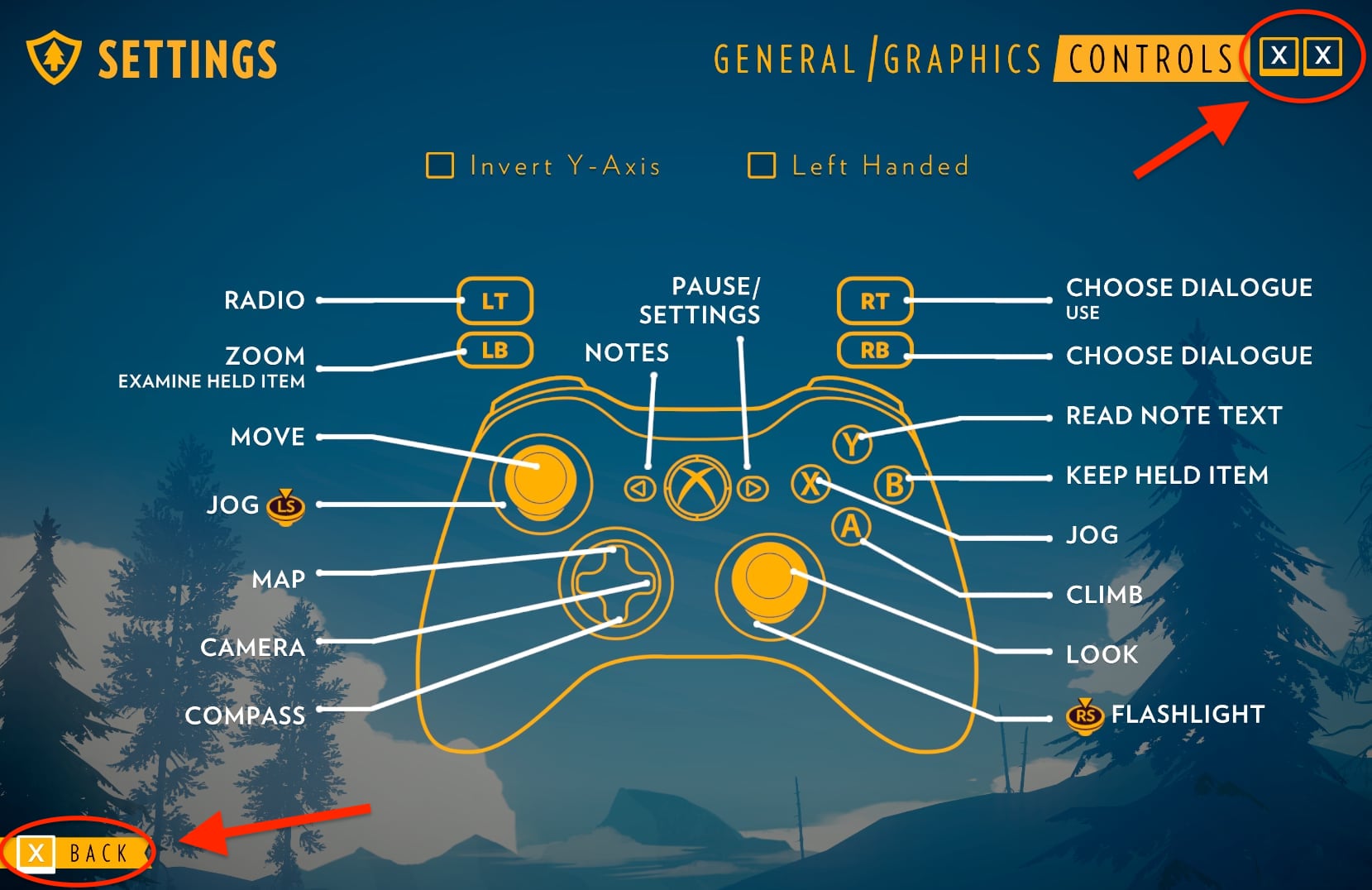
However, the controller didn’t work and on-screen button icons were replaced with an “X”:
I tried the following, but none of it fixed the issue:
- Forgetting and re-pairing the controller
- Launching the game with Steam Input enabled
- Launching the game from Steam Big Picture mode
- Giving
Firewatch.app“Input Monitoring” permission in System Settings
The Fix
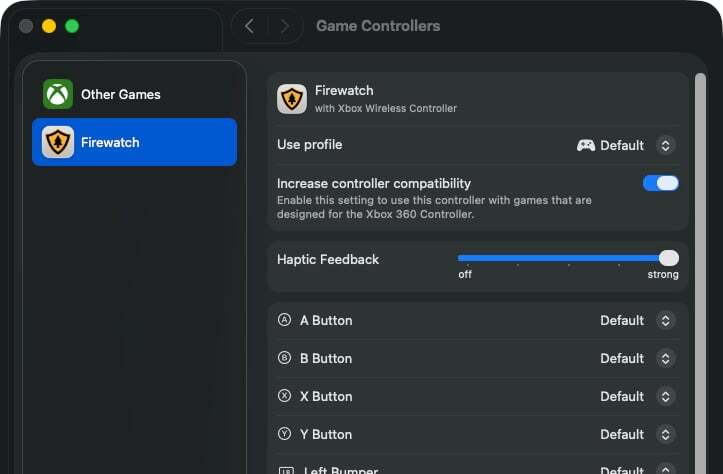
Thankfully, I stumbled upon a YouTube video which demonstrates the fix, namely, to find and enable a hidden setting called “Increase controller compatibility.” (sigh)
First, click the “+” icon in the lower-left corner of macOS controller settings:
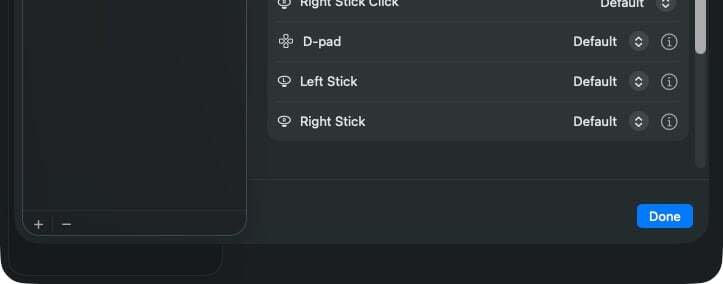
Then find the .app for the game you want to play. In my case, I needed to find
Firewatch.app, which was located in: mack -> Library -> Application Support ->
Steam -> steamapps -> common -> Firewatch.
Note:
At first, I couldn't find the "Library" folder, so I had to use a
keyboard shortcut to display hidden files and folders:
<Ctrl>-<Shift>-.
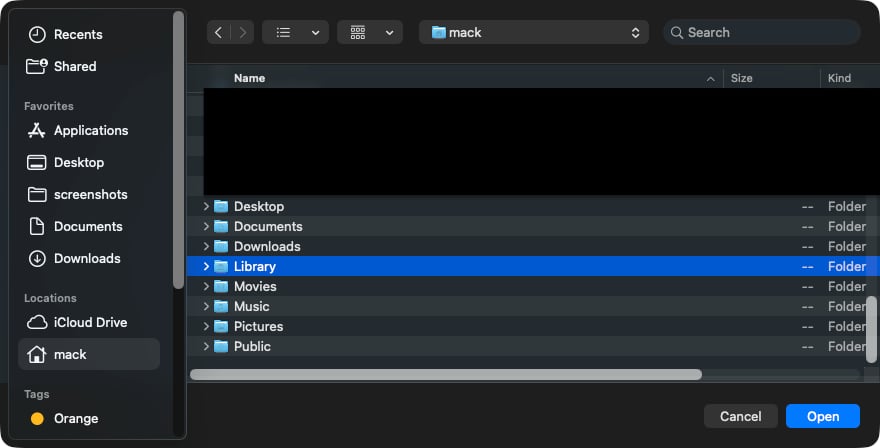
Once I clicked on Firewatch.app, it was added to the macOS System Settings
page where a “Increase controller compatibility” toggle appeared. I enabled the
toggle and
clicked “Done.”
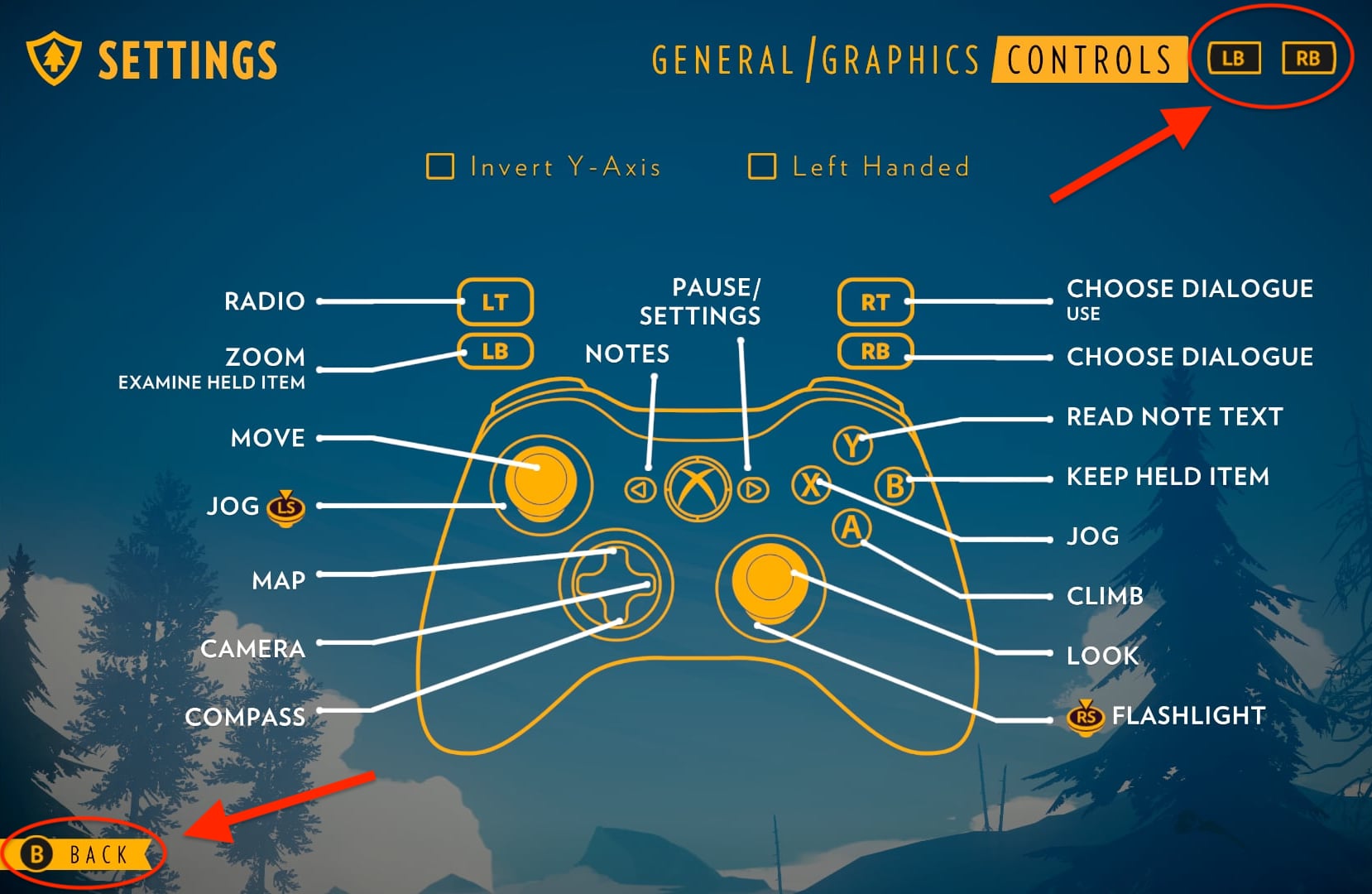
And when I launched the game, my controller worked!
I normally wouldn’t make a blog post for something so mundane and seemingly straightforward, but I spent hours trying to figure this out. If this post helps just one or two people, then it’s served its purpose.